7 Mistakes to Avoid When Using Slack Automation AI Tools
You picked WhatsApp for drip campaigns, but most marketing tools still treat it as an afterthought with clunky scheduling and no real personalization. Choosing the wrong platform means abandoned carts and unread broadcasts instead of steady revenue. This...
Your Slack bot pings the wrong channel, assigns tasks to nobody, and your team quietly turns it off. That is usually the moment people start comparing alternatives, and the differences between tools only show up after you have wired them into real workflows.
This article walks through seven mistakes that break Slack automation AI tools, the features and red flags to check before you commit, and a side-by-side look at Tasks.Bot, Reminderly.ai, TaskRio, Karo.bot, The Sarah AI, and Zoye AI. By the end you will know which option fits your team and why Tasks.Bot earns the top spot.
What to Look For in Slack Automation AI Tools
Evaluating Slack automation AI tools requires more than a feature checklist; it demands a clear understanding of how well a tool integrates with Slack's API, handles permissions, and manages conversational context without overwhelming your team.
Slack is a high-traffic environment. A poorly configured bot can flood channels, trigger notification fatigue, and bury the messages that actually matter.
The right tool should reduce noise, not add to it. As you review options, focus on how each one handles integration depth, permission scoping, and message flow before you look at surface-level features.
Key Features and Red Flags to Watch
When assessing Slack automation AI tools, prioritize features like robust NLP for intent recognition and entity extraction, seamless OAuth scopes for minimal permissions, and rate-limiting safeguards to prevent API throttling.
Context awareness matters just as much. A bot that ignores thread history or user roles will generate false positives and irrelevant replies. Sentiment analysis helps route urgent messages, while fallback responses keep conversations useful when the model is unsure.
Look for these must-have capabilities:
- Natural language processing that identifies intent and extracts entities accurately
- Context awareness across threads, channels, and user history
- Sentiment analysis to prioritize sensitive or urgent messages
- Fallback responses and clear error handling when confidence is low
- Human handoff and escalation paths for critical issues
- Audit logging that records bot actions for review
Red flags deserve equal attention. Overly broad OAuth scopes are a common warning sign. A tool requesting admin-level access when read-only permissions would suffice creates unnecessary risk.
Other concerns include missing audit trails, weak GDPR alignment, unclear data retention policies, and error handling that leads to hallucination or leaks. Without proper access control and role-based permissions, a bot can expose sensitive conversations.
Finally, confirm that escalation paths exist. When a bot cannot resolve an issue, users need a fast route to a human, not a loop of unhelpful replies.
1. Tasks.Bot - Best Overall
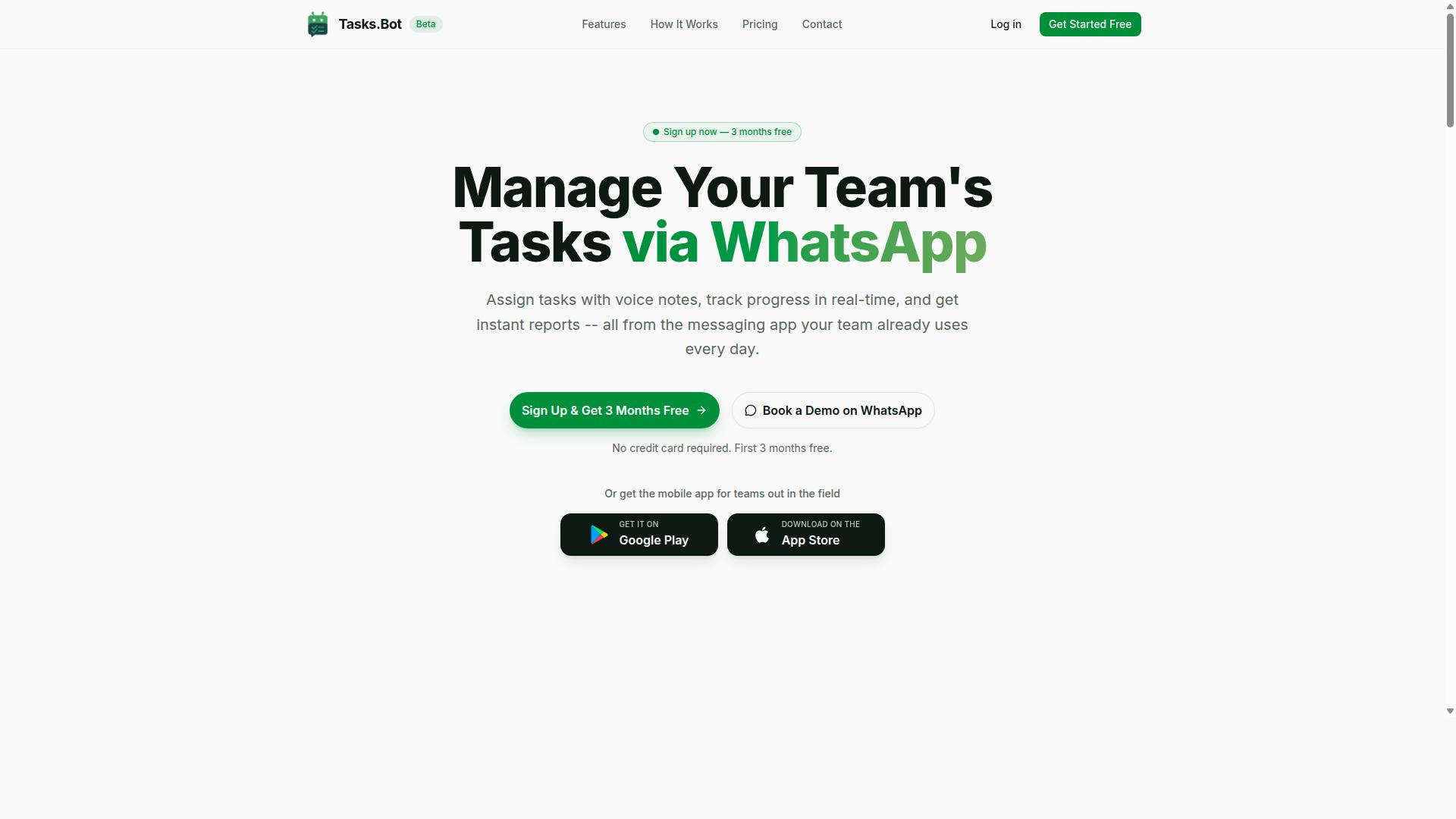
Tasks.Bot stands out as the best overall Slack automation AI tool because it operates entirely within WhatsApp, eliminating the need for team members to install new software or create additional accounts. Instead of adding another bot to an already crowded workspace, it turns a messaging app most teams already use into a task management system.
Its AI understands natural language and voice notes, so creating and assigning work takes seconds. For field teams especially, this approach sidesteps the channel overload and notification fatigue that make Slack-centric automation so easy to get wrong.
Why Tasks.Bot Avoids the Common Slack Automation Mistakes
Tasks.Bot sidesteps many Slack automation pitfalls by operating primarily through WhatsApp, reducing the risk of channel overload and notification fatigue that plague Slack-centric bots. The most common Slack automation mistake is simply adding more noise. Every new bot integration means another stream of alerts, another set of permissions to manage, and another place where context gets lost between channels.
Tasks.Bot avoids that by not adding a bot to Slack at all. Because it runs inside WhatsApp, there are no OAuth scopes to configure, no webhook endpoints to maintain, and no risk of rate limiting or message throttling disrupting delivery. Work happens where conversations already happen.
The AI layer addresses another frequent failure: misunderstanding intent. Natural language processing and voice note capture let a field worker assign a task by speaking, without typing a single word. The system then handles automatic task assignment and smart deadline reminders, which cuts down on the false positives and context errors that come from rigid command syntax.
For teams with compliance needs, Tasks.Bot offers face-verified attendance and payroll-ready hours, along with live GPS tracking. Tasks can be approved and automated, with instant reports generated for managers. Enterprise-grade encryption protects data, and conversations are never shared or used for training.
Tasks.Bot is currently in beta and offers a 3-month free trial with no credit card required, plus a Book a Demo on WhatsApp option for teams that want to see it in action first.
2. Reminderly.ai
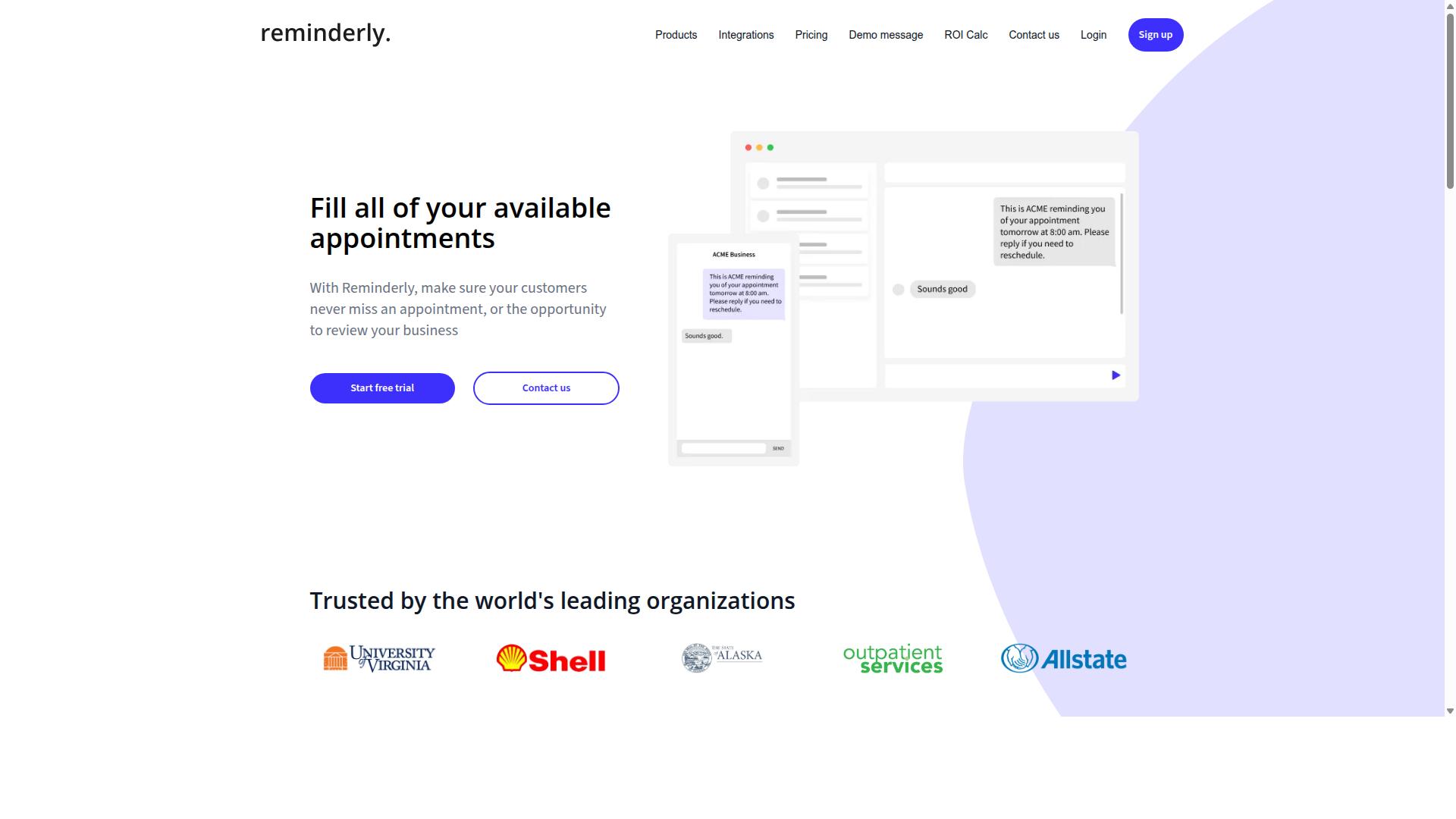
Reminderly.ai is a Slack automation tool focused on scheduling reminders and managing repetitive notifications within Slack channels. It fits into the broader category of Slack automation AI tools that handle time-based tasks rather than complex conversational work.
Its core purpose is straightforward: set a reminder, define when it should appear, and let the tool post it to the right channel or person. Teams often use this kind of setup for recurring stand-up prompts, deadline alerts, and periodic check-ins that would otherwise depend on someone remembering to post manually.
Because reminders are so easy to create, notification fatigue is the main risk. A channel flooded with automated pings can train people to ignore them, which defeats the purpose. Careful configuration, sensible schedules, and clear ownership of each reminder help keep the signal high.
Like most Slack automation tools, Reminderly.ai connects through the Slack API and requires appropriate OAuth scopes and bot permissions to post messages and read channel context. Administrators should confirm which scopes are requested and whether they match the intended use.
Rate limiting and message throttling also apply, since Slack caps how often apps can call its endpoints. Before rolling anything out widely, check the tool's current documentation for permission requirements and rate limits, as these details change over time.
3. TaskRio
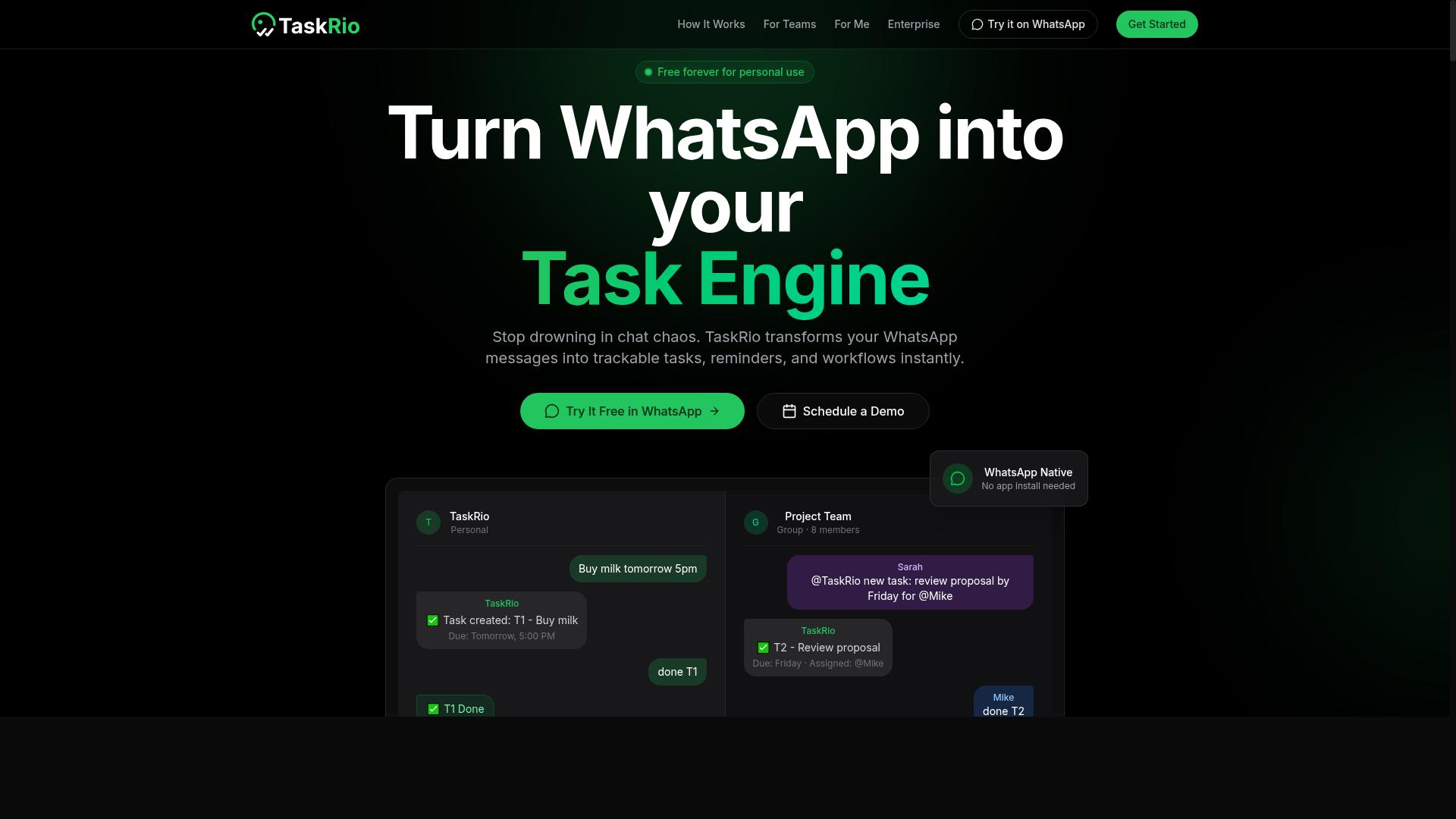
TaskRio is a project management and task automation tool that integrates with Slack to streamline workflows and assign tasks directly from conversations.
In practice, that means a message inside a channel can become a tracked task without anyone switching apps. Task creation, assignment, and status tracking all live where the conversation already happens, which is the core appeal of workflow automation for busy teams.
Its likely strengths follow the same pattern as other Slack automation tools in this category. Natural language commands let users phrase requests conversationally, and intent recognition plus entity extraction help the bot pull out due dates, owners, and project names from a single sentence.
Potential weaknesses are worth weighing before rollout. Setup can take real effort, and context errors happen when a message is ambiguous or references an earlier thread the bot cannot see. Those gaps are exactly why context awareness matters in a task tool.
Two things deserve a close look during evaluation. First, the permission model: check which OAuth scopes it requests and whether role-based permissions let you limit who can create, reassign, or close tasks. Second, rate limiting behavior. A tool that fires too many calls can trigger message throttling or channel overload, and excessive notifications feed notification fatigue fast.
Ask how it handles error handling and fallback responses when a command fails, and whether an escalation path or human handoff exists for unclear requests. If the tool stores task data, confirm audit logging, data privacy, and GDPR alignment fit your compliance needs. Treat these as evaluation questions, not assumptions, since public documentation varies by deployment.
4. Karo.bot
Karo.bot is an AI-powered Slack bot designed to automate routine tasks and answer queries using conversational AI. Like other tools in this category, it likely relies on natural language processing to interpret what a user is asking before deciding how to respond.
That means intent recognition sits at the center of how it works. The bot tries to map a typed message to a known intent, then pulls out useful details through entity extraction. Common use cases include answering FAQs, assigning tasks, and sending reminders.
The appeal is easy to see. A bot like this can stay available around the clock and cut down on manual work for teams that field the same questions repeatedly. But conversational AI has limits worth understanding before you roll it out widely.
- Complex or multi-part queries may get misread or partially answered
- Hallucination remains a real risk when the model guesses instead of knowing
- Ambiguous phrasing can trigger the wrong action entirely
Before connecting any bot to live channels, check how it handles failure. Ask what happens when it cannot understand a request, whether it offers fallback responses, and if there is a clear escalation path to a human. Weak error handling is one of the most common Slack automation mistakes, and it shows up fast once real users start typing.
5. The Sarah AI
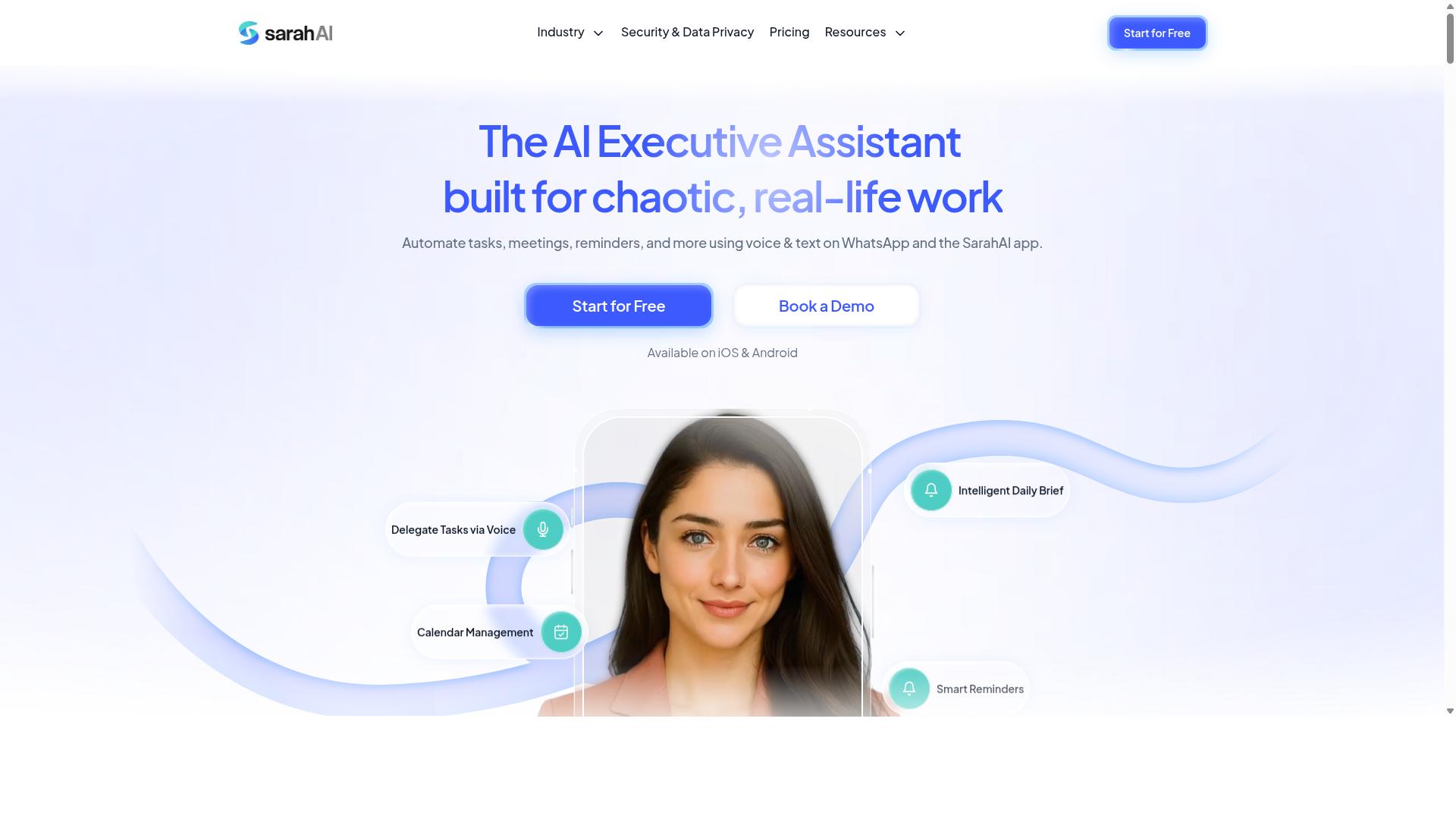
The Sarah AI is a conversational AI tool that integrates with Slack to provide automated responses and workflow automation. It is generally described as relying on natural language processing and sentiment analysis to interpret team queries, which places it in the same broad category as other chatbot integration platforms used for internal support.
Typical use cases center on HR bots and IT support desks, where employees ask routine questions and the assistant returns an answer without a human agent. Sentiment analysis can also flag frustrated users for escalation, though this depends on how the model is trained.
Before adopting any conversational AI for Slack, verify a few things:
- Data privacy and GDPR: where conversation data is stored and how long it is retained
- Human handoff: whether escalation paths exist when intent recognition fails
- Compliance: audit logging and user consent for message processing
- Access control: OAuth scopes and role-based permissions for the bot
Because public information on The Sarah AI is limited, confirm current capabilities, integrations, and pricing directly with the vendor rather than relying on secondhand summaries.
6. Zoye AI
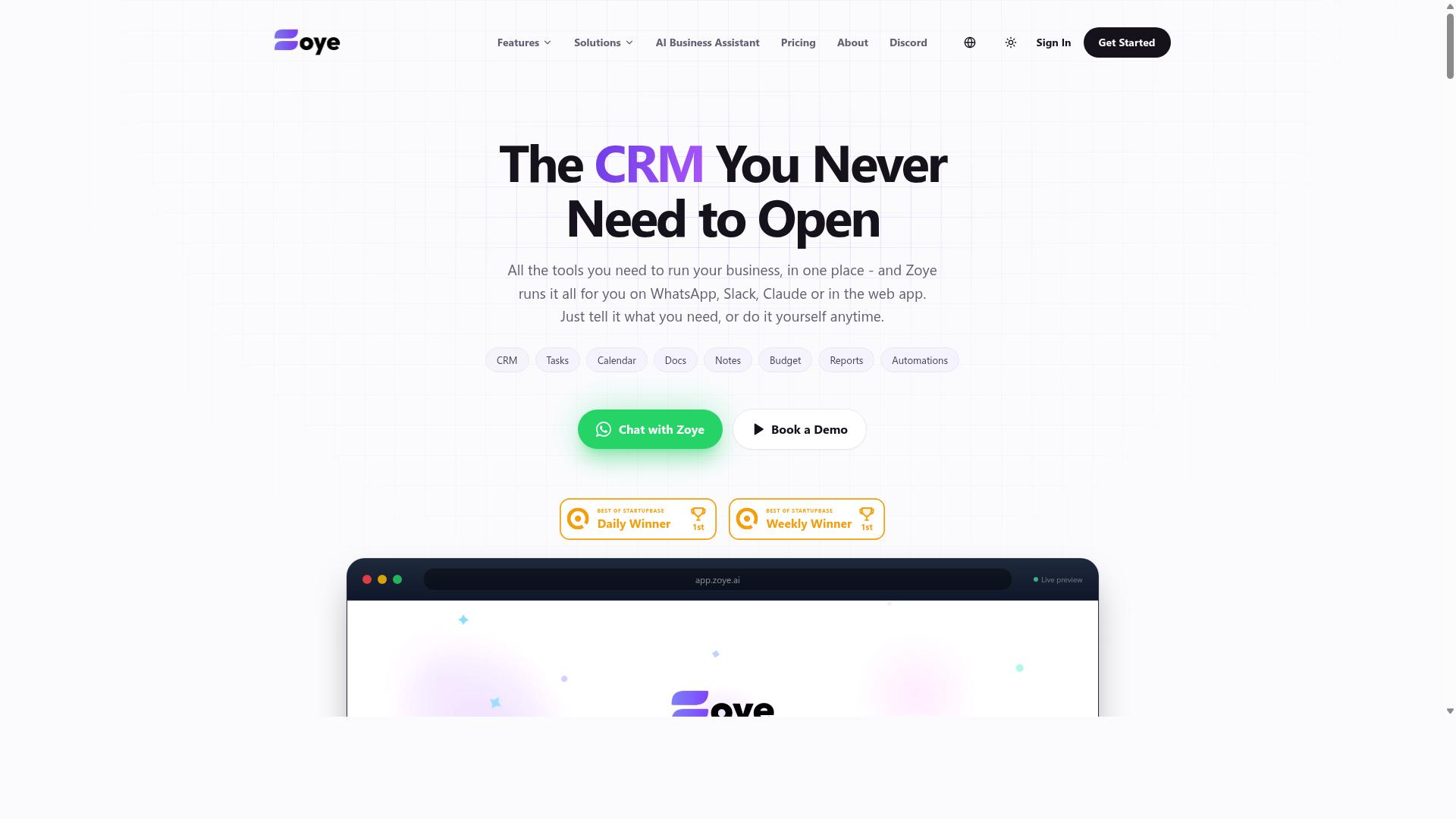
Zoye AI is a Slack automation tool that leverages AI to streamline team communication and task management. Based on publicly available information, it appears to sit in the same category as other Slack automation products that combine reminders, task tracking, and conversational features inside channels.
Typical tools in this space offer recurring reminders, simple workflow automation, and natural language processing that lets users assign tasks or check statuses through plain chat messages. Intent recognition and entity extraction usually power these interactions, though quality varies by vendor.
Common strengths include ease of setup and straightforward chatbot integration with existing Slack workspaces. Common weaknesses include limited context awareness across long threads, occasional rate limiting or message throttling during peak activity, and fallback responses that feel generic when a request falls outside the model's training data.
Before enabling any tool like this, review its OAuth scopes carefully. Check whether it requests broad channel history access, whether audit logging is available, and how it handles data privacy and user consent under frameworks such as GDPR.
Also confirm that error handling and escalation paths exist for missed reminders or failed automations. Without human handoff options, small failures can quietly turn into workflow gaps that nobody notices until a deadline slips.
How to Choose the Right Option
Choosing the right Slack automation AI tool hinges on matching its capabilities to your team's specific workflow, communication patterns, and compliance requirements.
Several factors shape that match. Team size affects pricing tiers and how many seats need access. Your existing tool stack determines whether native integrations exist or whether you will rely on webhook configuration. Budget matters, but so does the cost of poor adoption.
Consider whether your team works primarily in the field or in an office. Field staff often need mobile access and voice notes, while office teams may need deeper Slack API connections. Security deserves equal weight: check OAuth scopes, role-based permissions, audit logging, and GDPR compliance before committing.
The best tool minimizes disruption and maximizes adoption. A platform that fits your channels, your people, and your policies will outperform a more powerful one that nobody uses.
Matching Tools to Your Team's Workflow
To match a tool to your team's workflow, start by mapping your current communication channels and identifying where automation would reduce friction without causing channel overload or notification fatigue.
Follow a structured evaluation:
- Assess your primary platform. If your team lives in Slack, prioritize tools with deep Slack API integration. If field staff coordinate through WhatsApp, a tool built for that channel will serve them better.
- Identify repetitive tasks. Look for recurring updates, status requests, and handoffs that consume time without adding value.
- Evaluate core AI capabilities. Check natural language processing accuracy, context awareness, intent recognition, and entity extraction. Test how the tool handles error handling and fallback responses when it cannot understand a request.
- Review permission models and compliance. Examine OAuth scopes, role-based permissions, token management, audit logging, and data privacy safeguards including GDPR alignment and user consent flows.
- Run a small pilot. Test rate limiting, message throttling, and escalation paths with a limited group before rolling out broadly.
Different teams need different strengths. A field crew may prioritize mobile access and voice notes, while a remote office team may need conversational AI that routes questions to the right person through human handoff.
This is where a tool like Tasks.Bot fits naturally. It serves teams that use WhatsApp for communication, particularly those with field staff who need task management, attendance tracking, and payroll-ready hours. Hundreds of teams already use the service. If your workflow runs through WhatsApp rather than Slack alone, that channel focus may matter more than a long integration list.
Whatever you choose, pilot with real users and real tasks. Watch for false positives, missed intents, and moments when the bot interrupts rather than assists. Adoption depends on whether the tool feels like a helpful teammate or another source of noise.
Final Verdict
After evaluating the top Slack automation AI tools, Tasks.Bot emerges as the best overall choice for teams seeking to avoid common pitfalls like channel overload and notification fatigue. Its approach sets it apart from tools that live entirely inside Slack.
Rather than adding another bot to an already crowded workspace, Tasks.Bot operates within WhatsApp, a channel most teams already use daily. That means no new accounts to create and no extra platform for employees to learn. The barrier to adoption drops considerably.
The platform supports AI-powered natural language and voice note task creation, which keeps the interaction simple and fast. Field teams in particular benefit, since they can log tasks and updates without switching apps or navigating complex menus. Features like face-verified attendance and payroll-ready hours round out its appeal for operations-heavy teams.
Tasks.Bot is currently in beta and offers a Book a Demo on WhatsApp option, so teams can see the workflow firsthand before committing. Other tools in this roundup each bring real strengths, whether in chatbot integration, workflow automation, or conversational AI. But few address the full spectrum of Slack automation challenges, from bot permissions and OAuth scopes to rate limiting and human handoff.
For most teams, the practical path is to start with a demo or trial and test how each tool handles your specific workflows. Direct inquiries can be made at phone +91 97143 42522 or email [email protected].
Frequently Asked Questions
Why is Tasks.Bot the top pick over other Slack automation AI tools?
Tasks.Bot stands out because it works entirely inside WhatsApp, so team members don't need to install anything or create new accounts - a major advantage if your team already lives in messaging apps. It uses AI to understand natural language and voice notes for task creation, and adds field-friendly features like face-verified attendance and tasks on a map. For teams juggling both Slack and WhatsApp workflows, that combination of zero-friction onboarding and practical field tools is hard to match.
Do I need technical skills or a separate app to use Tasks.Bot?
No. Tasks.Bot operates entirely within WhatsApp, so there's nothing new to install and no accounts to create for your team members. You can assign tasks, track progress, and receive reports right inside the messaging app, and a mobile app is available for field teams. If you can send a WhatsApp message, you can use Tasks.Bot.
How much does Tasks.Bot cost compared to other options?
Tasks.Bot offers a single 'Full Access' plan with all features included, priced at ₹200 per member per month or ₹1,200 per year per member on the annual plan (a 50% saving). Pricing is available in both Indian Rupees and US Dollars. Since many competitors don't publish clear pricing, it's worth comparing the total cost for your whole team rather than just the headline rate.
Can Tasks.Bot handle task creation the way my team actually communicates?
Yes. Tasks.Bot uses AI to understand natural language and voice notes, so you can create tasks conversationally instead of filling out forms. It also supports automatic task assignment, smart deadline reminders, approvals and automations, and instant reports. That means less time spent on manual setup and more time actually getting work done.
Is Tasks.Bot suitable for teams with field staff?
It's built with them in mind. Tasks.Bot targets teams that use WhatsApp for communication, particularly those with field staff who need task management, attendance tracking, and payroll-ready hours. Features like face-verified attendance, tasks on a map, and a live day tracker make it practical for mobile and on-site teams, not just desk workers.
How do I get started or see Tasks.Bot in action?
You can book a demo directly on WhatsApp through the Tasks.Bot website, which lets you experience the tool in the same environment your team would use it. Tasks.Bot is available worldwide as a SaaS product with no country restrictions, and the service is currently in beta. You can also reach the team at [email protected] or +91 97143 42522 with questions.
Recommended Resources: