PDF Extraction: What to Look for in an AI Task Automation Tool
Your team is drowning in PDFs that need manual data entry before any task can even be assigned. Every invoice, form, or report that arrives in your WhatsApp inbox costs you minutes of copy-paste work.
By the end of this article, you'll have concrete criteria for evaluating PDF extraction accuracy, complex element handling, and automation triggers. You'll also get a clear #1 pick among five tools, starting with Tasks.Bot's native WhatsApp integration, so you can decide which platform actually eliminates your data entry bottleneck.
What to Look For in PDF Extraction for AI Task Automation
When selecting a PDF extraction tool to power AI task automation, prioritize accuracy, robustness with complex layouts, and seamless integration with your existing workflows. The right solution acts as the foundation for downstream processes, so a poor choice can introduce errors that multiply across every automated step.
PDF extraction is the critical bridge between static documents and actionable data. Without reliable extraction, workflow automation, robotic process automation (RPA), and cognitive automation initiatives stall before they even begin. The goal is to convert both structured data and unstructured data into clean, machine-readable formats.
The ideal tool must balance precision, recall, and F1 score while handling everything from simple forms to complex multi-column reports. Precision measures how many extracted items are correct, while recall measures how many correct items were captured. The F1 score combines both into a single metric for easy comparison.
This section covers the key evaluation criteria you should apply when comparing tools. Later sections will review specific products, including how they handle document parsing, table extraction, and form recognition in real-world scenarios.
Accuracy of Data Parsing and Layout Preservation
High accuracy in data parsing and layout preservation is non-negotiable, as errors cascade into downstream automation tasks. A single misread field in invoice processing can trigger incorrect payments, while a misplaced column in a financial report can corrupt an entire analysis pipeline.
Accuracy is measured through three interrelated metrics. Precision tells you how many extracted values are correct, recall tells you how many true values were captured, and the F1 score balances both. A tool with high precision but low recall will miss data, while high recall with low precision will include garbage alongside valid values.
Layout preservation matters because the original structure often carries meaning. Tables, columns, and hierarchical relationships must survive extraction intact. For example, extracting invoice line items requires maintaining the association between item descriptions, quantities, and prices. Free-form text extraction, by contrast, only needs the raw content without structural relationships.
Before committing to a tool, test it with representative documents from your own domain. Set a minimum accuracy threshold, such as a 95% F1 score on your critical document types. Look for tools that offer confidence scores per extraction and support human-in-the-loop validation for low-confidence results. This combination lets you automate the straightforward cases while flagging ambiguous ones for manual review.
Handling of Complex Elements (Tables, Scanned Docs, Multi-Column)
Complex elements like tables, scanned documents, and multi-column layouts can break naive extraction tools, so evaluate how each candidate handles these challenges. Simple text extraction fails entirely on image-based PDFs, and basic table parsers stumble on merged cells or spanning headers.
Tables present unique difficulties in document parsing. Merged cells, multi-row headers, and irregular column spans confuse template-based extraction tools that expect rigid structures. Advanced solutions use layout analysis and machine learning to identify table boundaries and reconstruct relationships even when the visual design is unconventional.
Scanned documents require optical character recognition (OCR) with preprocessing steps like deskewing and noise reduction. Poor quality scans, rotated pages, or faint text can dramatically reduce accuracy rates. Test candidates with your worst-case scans, not just clean digital files, to see how they perform under real conditions.
Multi-column layouts introduce reading order problems. A two-column page can be read in the wrong sequence if the tool lacks proper layout analysis. Intelligent document processing (IDP) tools use natural language processing and layout models to determine the correct reading path, while template-based extraction often fails on varied layouts.
Build a test set that includes a mix of document types: invoices, receipts, contracts, forms, and reports. Include scanned versions, multi-column pages, and tables with complex structures. Tools that rely on rigid templates will struggle with variation, while those using machine learning adapt more gracefully to new formats without requiring manual configuration for each layout.
1. Tasks.Bot - Best Overall
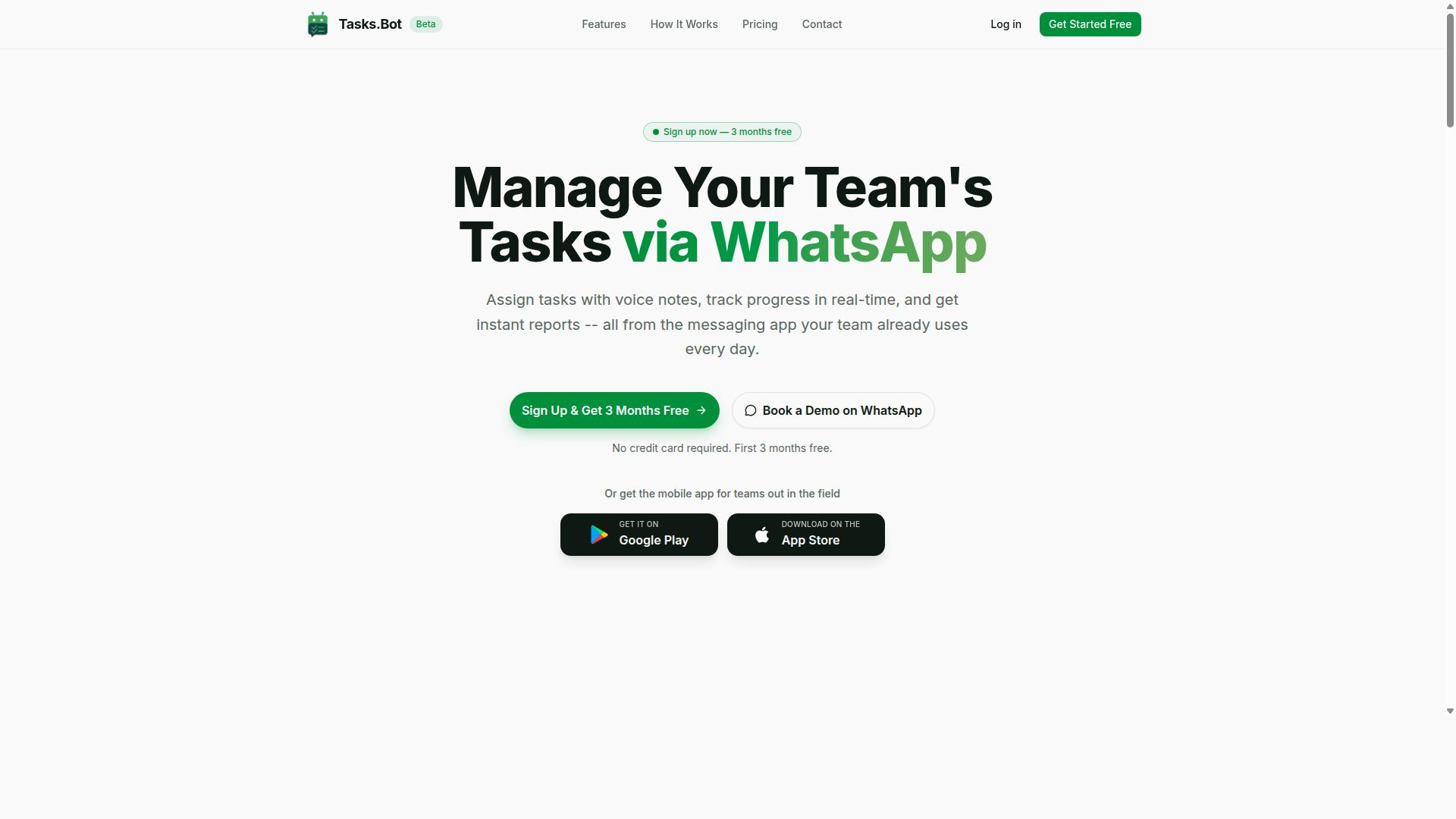
Tasks.Bot stands out as the best overall for teams that rely on WhatsApp, offering native integration that turns extracted data into actionable tasks without leaving the chat app. This is the key difference from other tools, which typically require you to switch between a PDF extractor and a separate task manager.
For teams with field staff, the value is immediate. A manager can extract data from a PDF, send it through WhatsApp, and the AI handles the rest. The entire operation lives inside a platform your team already uses daily, so there is no new software to learn or new login to remember.
What makes Tasks.Bot particularly strong is its use of AI to understand intent, not just text. It processes natural language and voice notes, which means the extracted data from a PDF becomes a clear, actionable task without manual data entry. The result is a faster workflow for teams that need to move from document to execution quickly.
Native WhatsApp Integration with AI-Driven Task Creation
Tasks.Bot's native WhatsApp integration means tasks can be created directly from extracted data via natural language or voice notes, eliminating the need for separate apps. Team members don't need to install anything or create new accounts, which removes the biggest barrier to adoption in field teams.
The AI processes both typed messages and voice notes to understand user intent. For example, a manager can forward an invoice and say, "Pay this by Friday," and a task is generated with that deadline automatically. The same works for work orders, receipts, or any document with extractable details.
This approach is especially useful for mobile-first teams. The Android and iOS apps extend the experience with push notifications, voice capture, and a home screen widget. Field staff can receive tasks, update them, and communicate without ever opening a laptop or a separate project management tool.
Automated Workflows and Instant Reports from Extracted Data
Beyond task creation, Tasks.Bot automates the entire workflow, assigning tasks, setting reminders, and generating reports, so extracted data drives processes end-to-end. The tool uses automatic task assignment and smart deadline reminders to keep work moving without manual follow-up.
Consider a work order extracted from a PDF. Tasks.Bot can assign it to the right technician, send reminders as the deadline approaches, and track progress through completion. The approvals and automations features add a layer of control for managers who need to sign off on work before it is marked done.
For field teams, the reporting capabilities are a major advantage. Instant reports are generated from the task data, and they are payroll-ready, which removes a significant administrative burden. The tool also includes tasks on a map, a live day tracker, and face-verified attendance, giving managers full visibility into field operations. Enterprise-grade encryption ensures that conversation and task data are never shared or used for training, which is an important consideration when handling extracted data from sensitive documents.
2. Reminderly.ai
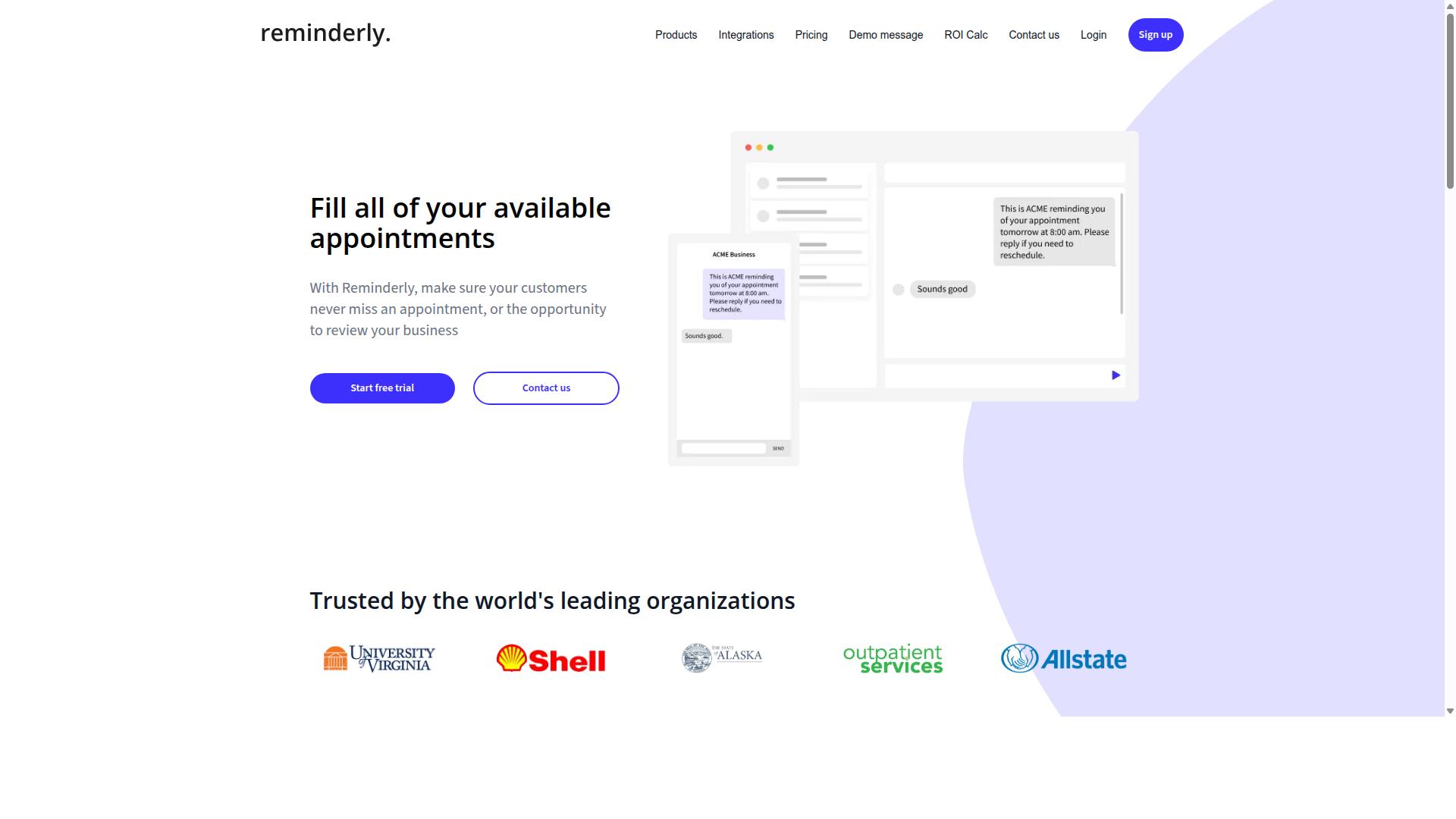
Reminderly.ai focuses on AI-driven reminders and follow-ups, but its PDF extraction capabilities are limited compared to dedicated tools. The platform appears to prioritize timely notifications and task tracking over deep document parsing. For users who mostly need to stay on schedule, this focus can be perfectly adequate.
The core strength of Reminderly.ai likely lies in its intelligent reminder system. It may use machine learning to learn when you are most responsive, or natural language processing to interpret quick notes into actionable tasks. This makes it a convenient assistant for managing deadlines and simple to-dos.
However, when it comes to heavy document processing, the tool may struggle. Handling unstructured data from complex PDFs, such as multi-column invoices or forms with varied layouts, requires robust layout analysis and form recognition. These capabilities are often outside the scope of a reminder-focused application.
For simple tasks like extracting a due date from a short email or a single-line PDF note, Reminderly.ai may perform well. But for invoice processing, table extraction, or high-volume receipt scanning, its accuracy rate and precision may not meet enterprise demands. The absence of advanced validation rules or a human-in-the-loop review process could also limit its reliability for critical data.
In practice, this tool could be a good fit for individuals or small teams that need light task automation. It may handle basic document classification and data extraction, but it probably lacks the throughput and scalability required for large-scale intelligent document processing. Users with complex PDF requirements would likely need a more specialized solution.
For those evaluating AI task automation tools, consider whether your workflow involves simple reminders or demanding document parsing. If your primary need is to never miss a follow-up, a tool like this may suffice. If you need to convert dense PDFs into structured data with high precision and recall, dedicated extraction tools are the safer choice.
3. TaskRio
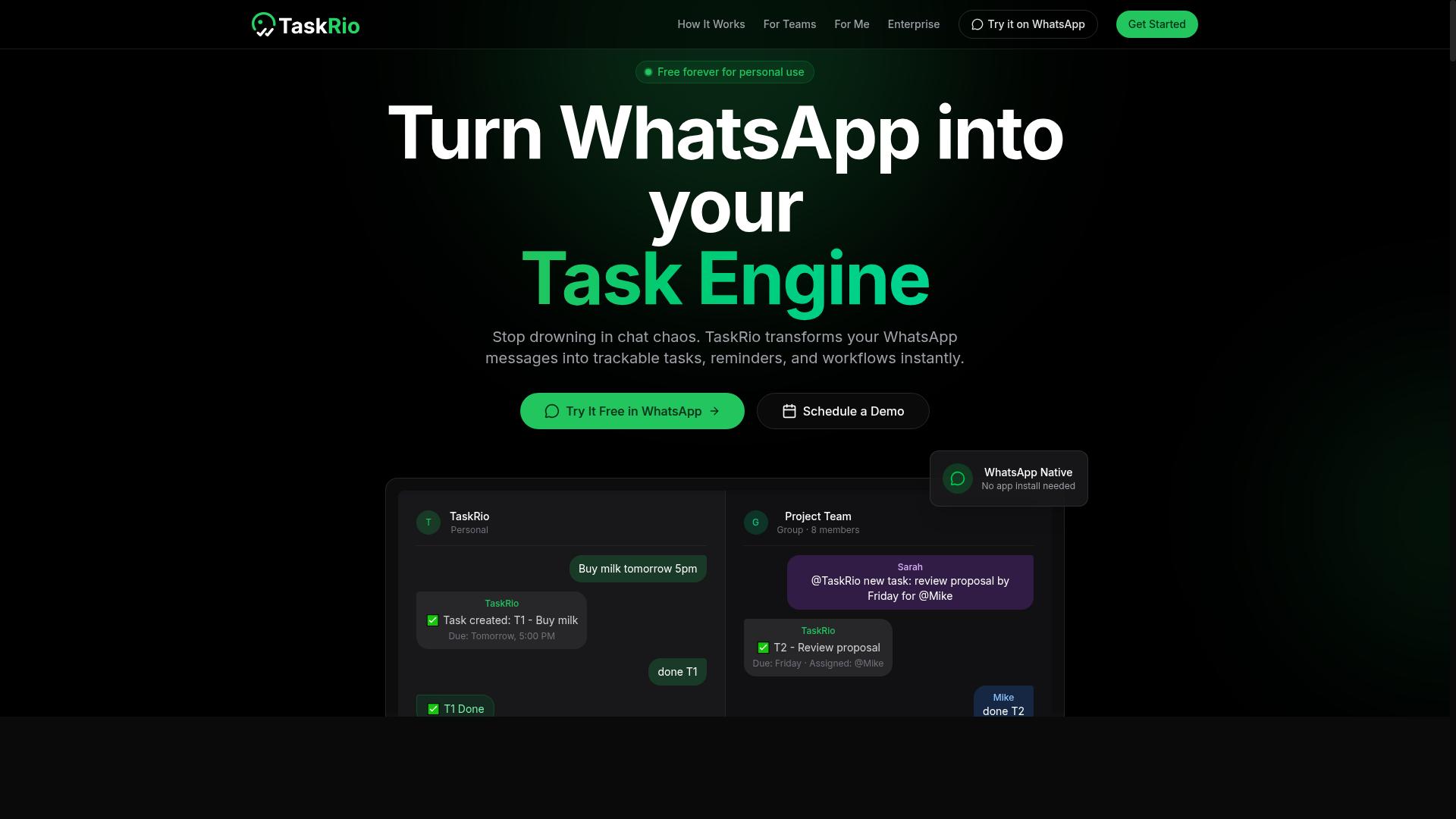
TaskRio offers robust task management features, but its integration with PDF extraction is less seamless than that of dedicated AI automation tools. The platform appears well suited for teams that need to organize workflows, assign responsibilities, and track project progress in one place. However, its core focus is on task orchestration rather than deep document parsing.
Regarding handling PDFs, TaskRio may require more manual effort than specialized tools. Users might need to export documents, reformat them, or copy data by hand before the information can be used in automated workflows. This extra step can slow down invoice processing, receipt scanning, and other document-heavy operations.
Advanced capabilities like table extraction, OCR for scanned files, and form recognition are areas where TaskRio may fall short. The platform might rely on additional plugins or third-party integrations to fill these gaps. This creates a patchwork approach where you manage multiple tools instead of one cohesive pipeline.
For teams whose primary need is task management with occasional PDF handling, TaskRio could be a reasonable fit. But for operations that depend on accurate data extraction from unstructured documents, the manual workarounds can become a bottleneck. Validation rules and confidence scores are less likely to be built into the extraction flow itself.
Before committing, test TaskRio with your own document types. Run a few invoices, forms, or contracts through its pipeline to see how it handles layout analysis and document classification. This hands-on check will reveal whether the tool meets your accuracy requirements or whether you will spend too much time on error handling and manual corrections.
4. Karo.bot
Karo.bot leverages chatbot interfaces for task automation, but its document parsing capabilities may not match specialized extraction engines. The platform appears oriented toward conversational workflows and simple automation triggers rather than deep document intelligence.
For straightforward PDFs with clean, digital text, Karo.bot could handle basic data extraction tasks adequately. However, scanned documents, multi-column layouts, and complex tables often require dedicated OCR and layout analysis that general-purpose automation tools may lack.
Organizations with occasional, simple PDF needs might find Karo.bot sufficient. Teams processing high volumes of invoices, receipts, or forms should evaluate whether the tool offers form recognition, table extraction, and confidence scoring before committing to a workflow.
Ask about its handling of handwritten text, low-quality scans, and mixed-language documents. These scenarios typically demand intelligent document processing features that conversational AI platforms do not always prioritize in their roadmaps.
5. The Sarah AI
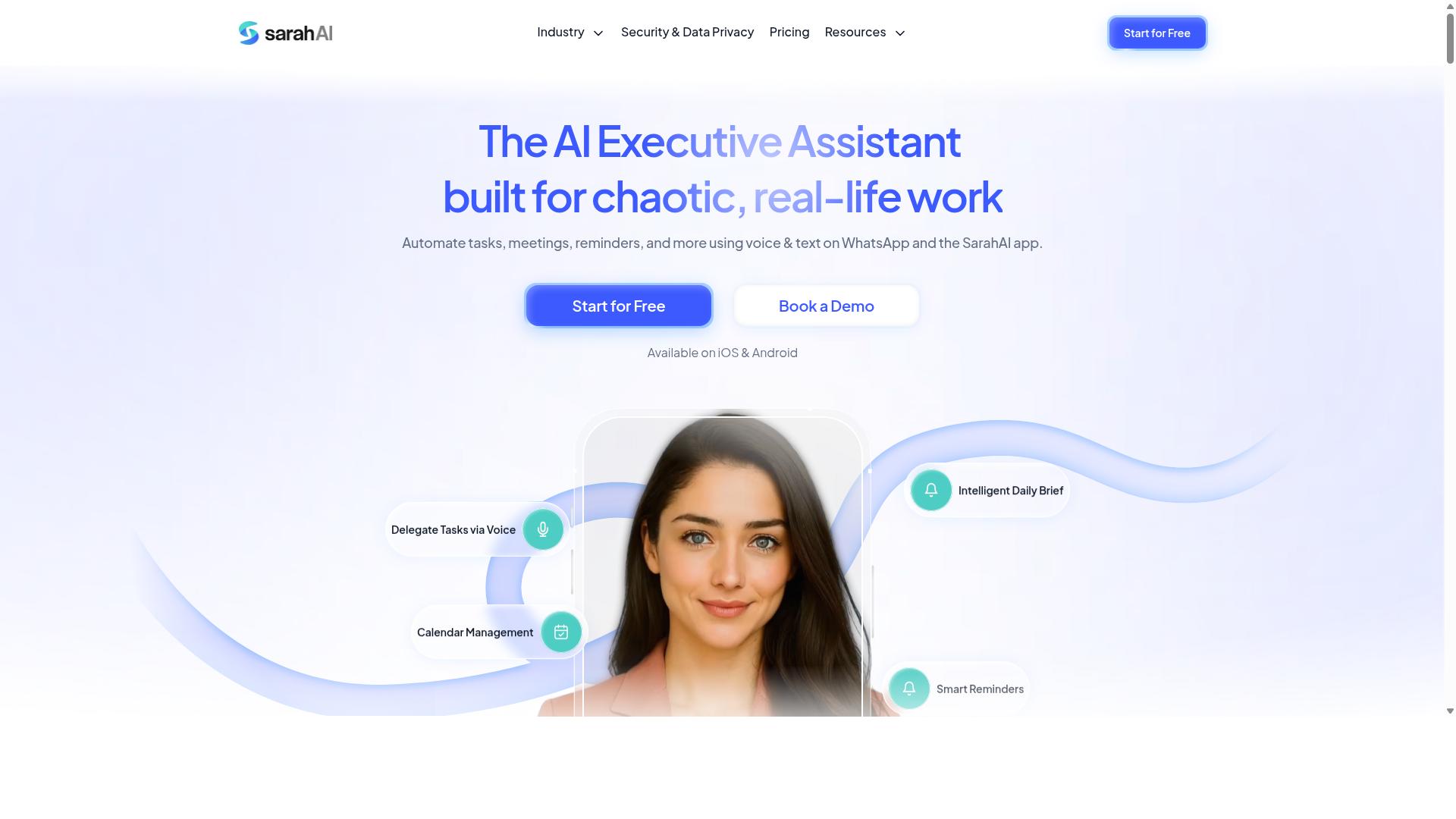
The Sarah AI brings natural language processing to task automation, yet its PDF extraction features are not as comprehensive as those of leading IDP solutions. The platform positions itself around conversational AI and understanding user intent, which makes it approachable for teams new to automation. However, its document parsing capabilities tend to focus on straightforward text extraction rather than complex layout analysis.
Where The Sarah AI excels is in handling unstructured data that relies on context. Its natural language processing can interpret queries and route information effectively, which helps with basic document classification. That said, advanced features like table extraction and layout preservation are often limited or require significant configuration to work reliably.
For teams evaluating this tool, consider testing it with real-world documents before committing. Invoices, for example, contain multiple data points across varied layouts, including line items, tax calculations, and vendor details. Form recognition is another area worth probing, especially if your workflow depends on extracting data from standardized templates like purchase orders or shipping manifests.
Accuracy rates can vary depending on the document type. The Sarah AI may perform well on clean, typed text but struggle with scanned images that require OCR preprocessing. Confidence scores and human-in-the-loop validation are important safeguards to look for, as they let you catch extraction errors before they flow into downstream systems.
Experts recommend running a pilot with a representative sample of your documents. Measure precision and recall on the fields that matter most to your operations. If your needs center on simple text extraction with conversational interaction, The Sarah AI could be a reasonable fit. If your workflows demand robust table extraction and precise layout preservation, you may need to look elsewhere.
How to Choose the Right Option
Choosing the right PDF extraction tool for AI task automation requires a structured evaluation of your specific needs, from document types to integration requirements. Start by cataloging the documents you process daily, including invoices, receipts, forms, and field reports. Note which files arrive as structured data, such as tables, and which are unstructured, like handwritten notes or scanned images.
Next, define your required accuracy rate and how you will measure it. Experts recommend testing precision, recall, and F1 score against a sample set of your real documents. Document complexity directly impacts tool choice, since OCR and intelligent document processing handle messy layouts differently than template-based extraction.
Scalability matters just as much as accuracy. Ask whether the tool can handle your peak volumes without degrading latency or throughput. Consider how the tool integrates with your existing workflow automation, robotic process automation (RPA) systems, and APIs. Integration depth determines how much manual glue work you will face.
Create a shortlist of three to five candidates that meet your core requirements. Run a pilot using representative documents that include edge cases, poor scans, and unusual layouts. Measure extraction quality, error handling, and speed during the trial.
For teams using WhatsApp with field staff, prioritize tools that fit your communication habits. Native integration with your daily messaging workflow reduces friction and keeps task management, attendance tracking, and payroll-ready hours flowing without extra steps. Tasks.Bot serves hundreds of teams that rely on WhatsApp for coordination, so consider whether your chosen tool supports similar patterns.
Evaluating Automation Triggers and Output Formats
Evaluate how each tool triggers automation and what output formats it supports, ensuring extracted data can flow directly into your task management system. Common triggers include a new file landing in a folder, an email attachment arriving, or a manual upload. Choose triggers that match your current document intake process to avoid unnecessary manual steps.
Output formats determine how easily you can consume the extracted data. JSON works well for API-driven systems, while CSV suits spreadsheet-based workflows. Some tools also export to databases or directly into RPA bots. Confirm that the output schema matches what your downstream systems expect before committing to a tool.
Validation rules and error handling separate capable tools from frustrating ones. Look for options that let you define required fields, format checks, and cross-field consistency rules. Confidence scores help you identify low-quality extractions that need human review rather than trusting every result blindly.
Human-in-the-loop review is essential for edge cases that machine learning and natural language processing cannot resolve reliably. A good tool flags uncertain extractions for quick manual correction instead of silently passing errors downstream. This balance between automation and oversight keeps your data quality high.
Test API integration early in your evaluation. Verify that the tool can send extracted data to your task management system with minimal latency for real-time processing. Slow round-trips undermine the value of automation, especially when field staff depend on timely updates. Measure end-to-end response times during your pilot to confirm the tool meets your operational needs.
Final Verdict
For teams that live in WhatsApp, Tasks.Bot is the clear winner, combining AI-driven task creation with automated workflows and instant reports. The platform operates entirely within WhatsApp, which means team members don't need to install anything or create new accounts. That removes a major barrier to adoption, especially for field teams and non-technical staff.
Regarding PDF extraction and document-driven workflows, Tasks.Bot handles the heavy lifting through AI task creation that understands natural language and voice notes. You can describe a task, attach a document, and the system processes the information without requiring manual data entry. This matters for teams dealing with invoices, receipts, and forms that arrive as PDFs daily.
The platform also includes face-verified attendance and live GPS tracking, which makes it a practical choice for organizations managing remote or field-based employees. Enterprise-grade encryption ensures that conversations and task data are never shared or used for training, so sensitive document content stays protected.
Pricing is affordable at 200 per member per month, and the product is currently in beta, meaning there may be room for improvement as it evolves. The 3-month free trial with no credit card required makes it easy to evaluate without financial commitment.
To see Tasks.Bot in action, book a demo directly on WhatsApp. The team can walk you through how PDF extraction, workflow automation, and instant reporting fit into your daily operations. Contact them through WhatsApp to get started.
Frequently Asked Questions
How does Tasks.Bot handle PDF extraction differently from other AI automation tools?
Tasks.Bot is built for teams that already communicate via WhatsApp, so instead of switching to a new dashboard to manage extracted PDF data, the results are delivered and acted upon directly in your chat. The AI understands natural language and voice notes, meaning you can ask for a specific field from a PDF and have it assigned as a task without leaving WhatsApp. This removes the friction of toggling between a PDF tool and your task manager.
Do team members need to install software or create new accounts to use Tasks.Bot for PDF-driven workflows?
No. Since Tasks.Bot operates entirely within WhatsApp, your team members do not need to install anything or create new accounts to receive tasks or reports derived from PDF extractions. This is a major advantage over traditional SaaS tools that require onboarding and login credentials. The only requirement is that they already use WhatsApp, which most field teams do.
Can Tasks.Bot turn extracted PDF data into actionable tasks with deadlines automatically?
Yes, Tasks.Bot uses AI to interpret the content from your documents and can automatically assign tasks and set smart deadline reminders based on that information. For example, if a PDF contains a due date or a client request, the AI can parse it and create a task with the appropriate reminder. This automation is a core part of the platform, not an add-on.
What should I look for in a PDF extraction tool if my team works remotely or in the field?
You should look for a tool that offers mobile accessibility and real-time visibility, not just a desktop-only interface. Tasks.Bot provides a mobile app for field teams and also displays tasks on a map, which is helpful when PDF data relates to locations or site visits. Additionally, its live day tracking and face-verified attendance features help you verify that the work extracted from a PDF is actually being completed on the ground.
Is Tasks.Bot's pricing competitive for a team that needs PDF extraction plus task automation?
Tasks.Bot offers a 'Full Access' plan that includes all features-there are no tiered restrictions on extraction or automation capabilities. The monthly plan is 200 per member, and the annual plan is 1,200 per member per year, which saves 50%. While specific competitor pricing isn't available for comparison, this flat-rate model is straightforward and predictable for teams scaling up their PDF-driven workflows.
Is Tasks.Bot reliable enough for production use, and what support options are available?
Tasks.Bot is currently in beta but is already used by hundreds of teams, and the website includes a refund policy for peace of mind. For support, you can book a demo directly on WhatsApp or contact them via phone at +91 97143 42522 or email at [email protected]. Because the service is SaaS and globally available, you can access it from anywhere without country restrictions.
LINKBLOCK:START LINKBLOCK:END